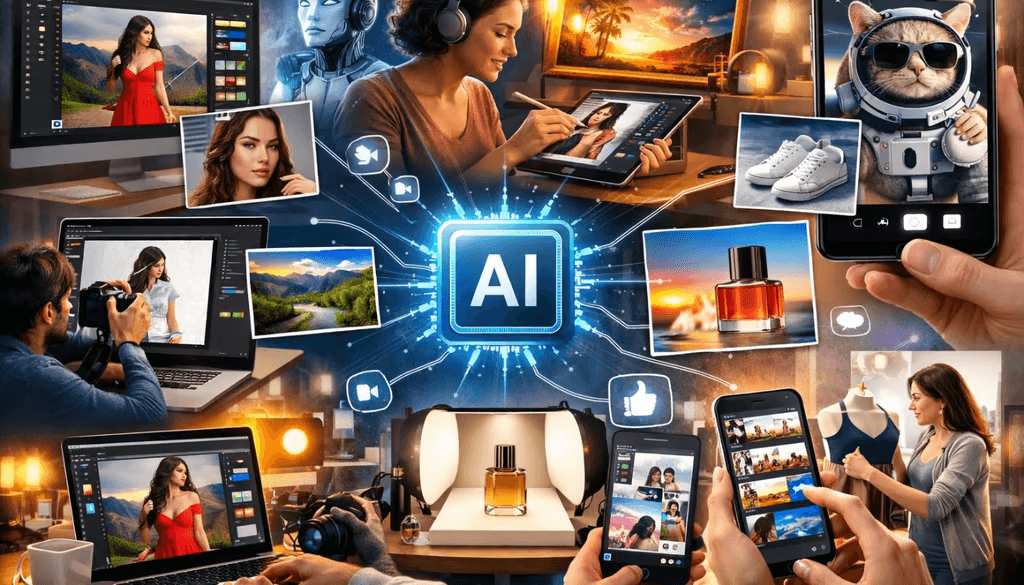
Ten of the Best AI Tools for Editing Pictures AI is rapidly changing photo editing. The tools are better. The outcomes are better. Work moves quickly. The way we edit images today is being transformed by AI technology. Modern tools are made to produce results of professional quality in a matter of seconds, whether it's through intelligent color correction or automatic background removal. AI-powered editors can simplify your workflow and boost creativity, whether you're a professional working on high-end projects or a beginner learning the basics. The 10 Best AI Photo Editing Tools for Beginners and Professionals in 2026 are listed in this guide. Time is saved, image quality is improved, and stunning visuals can be created quickly and easily with these tools. With AI, you can achieve impressive results with just a few clicks instead of spending hours manually editing. Object removal, face enhancement, sky replacement, and even generative AI that can add new elements to your photos are among the smart features that many of these tools include. As a result, you'll be able to concentrate more on your creativity and less on technical work.
Why AI Photo Editing Tools Matter
AI tools can automatically enhance photos, remove unwanted objects, fix lighting issues, and even generate entirely new elements within an image. These smart features allow users to transform ordinary photos into professional-quality visuals without spending hours on manual editing. From adjusting exposure and colors to refining details like skin tones and sharpness, AI handles complex tasks with precision and speed.In addition, modern AI photo editing tools use advanced machine learning models to analyze images in depth. They can detect subjects, backgrounds, lighting conditions, and textures, then apply smart edits instantly based on what the image needs. Some tools even learn from user preferences over time, delivering more personalized and accurate results.
10 Best AI Photo Editing Tools
Here are the top tools you should try.
1. Adobe Photoshop (Firefly AI)
Best for professionals. Adobe Photoshop is still the industry leader. Its AI feature, Firefly, allows users to generate content, remove objects, and enhance images with precision. Generative Fill Smart object removal Advanced layer editing It is ideal for designers and photographers who want full control.
2. Adobe Lightroom AI
Best for photographers. Lightroom is perfect for editing RAW images. Its AI tools handle noise reduction, color correction, and batch editing. AI denoise Smart presets Auto masking It is widely used in professional workflows
3. Luminar Neo
Best for creative editing. Luminar Neo focuses on creativity. It offers powerful AI tools like sky replacement and portrait enhancement. One-click sky change Skin retouching Scene-aware adjustments It is great for artistic edits and fast results.
4. Canva (Magic Studio)
Best for beginners. Canva makes editing simple. Its AI tools help create social media content quickly. Background remover Magic expand AI design templates Perfect for marketers and content creators.
5. Topaz Photo AI
Best for image quality. Topaz Photo AI focuses on enhancing image clarity. It uses deep learning to sharpen, denoise, and upscale images. AI sharpening Noise reduction Upscaling Great for restoring old or low-quality images.
6. Fotor AI Photo Editor
Best for quick edits. Fotor is a fast and easy online editor. It offers one-click enhancements and filters powered by AI. Automatic enhancement AI filters Background removal It is ideal for beginners and casual users.
7. Pixlr AI
Best for browser editing. Pixlr is a web-based editor with strong AI tools. It works directly in your browser. AI cutout Auto fix Design tools No installation needed.
8. PhotoDirector AI
Best all-in-one tool. PhotoDirector offers a complete editing experience with AI features for both beginners and experts. Object removal Sky replacement Face editing It combines power with ease of use.
9. inPixio AI
Best for simple editing. inPixio is designed for users who want quick results without complexity. One-click edits Background removal Photo enhancement Perfect for everyday editing needs.
10. Radiant Photo
Best for automatic optimization. Radiant Photo automatically analyzes images and applies the best enhancements. Smart color correction Auto detail improvement One-click optimization It is fast and efficient for bulk editing.
How to Choose the Right AI Photo Editor
Keep it simple. For professionals → Photoshop or Lightroom For beginners → Canva or Fotor For creativity → Luminar Neo For quality → Topaz Photo AI Choose based on your needs and skill level.
Future of AI Photo Editing
AI photo editing will become even smarter. Tools will understand user intent better and automate complex edits. New technologies like real-time editing and AI agents are already emerging in research and products. This means editing will be faster, easier, and more creative than ever before.
Final Thoughts
AI is transforming photography. These 10 Best AI Photo Editing Tools: offer powerful features for every user. Whether you are a beginner or a professional, these tools can improve your workflow and results. By using these AI-powered tools, you can save valuable time, boost productivity, and achieve professional-level output without extensive experience. Many of these platforms are constantly evolving, introducing new features that make editing even more intuitive and efficient. Start with one tool. Explore its features in depth. Experiment with different styles and enhancements. As you grow more comfortable, try multiple tools to expand your capabilities. Step by step, you will upgrade your editing skills and unlock new creative possibilities in the world of AI-powered photography.
 Image description